Home
Your apps, front and centre.
The streaming apps you actually use, on a glass shelf that comes alive under the remote. No rows of promos, no autoplaying ads, nothing you didn't ask for.
Trinidad & Tobago · done for you
Swap the ad-filled home screen for a fast, clean one. Trending picks from your own apps, the weather at a glance, and a look that follows the sunset. One button to undo.
No root · nothing uninstalled · undone in one press
Before → after
Drag to compare. Same TV, same apps — minus the sponsored rows.
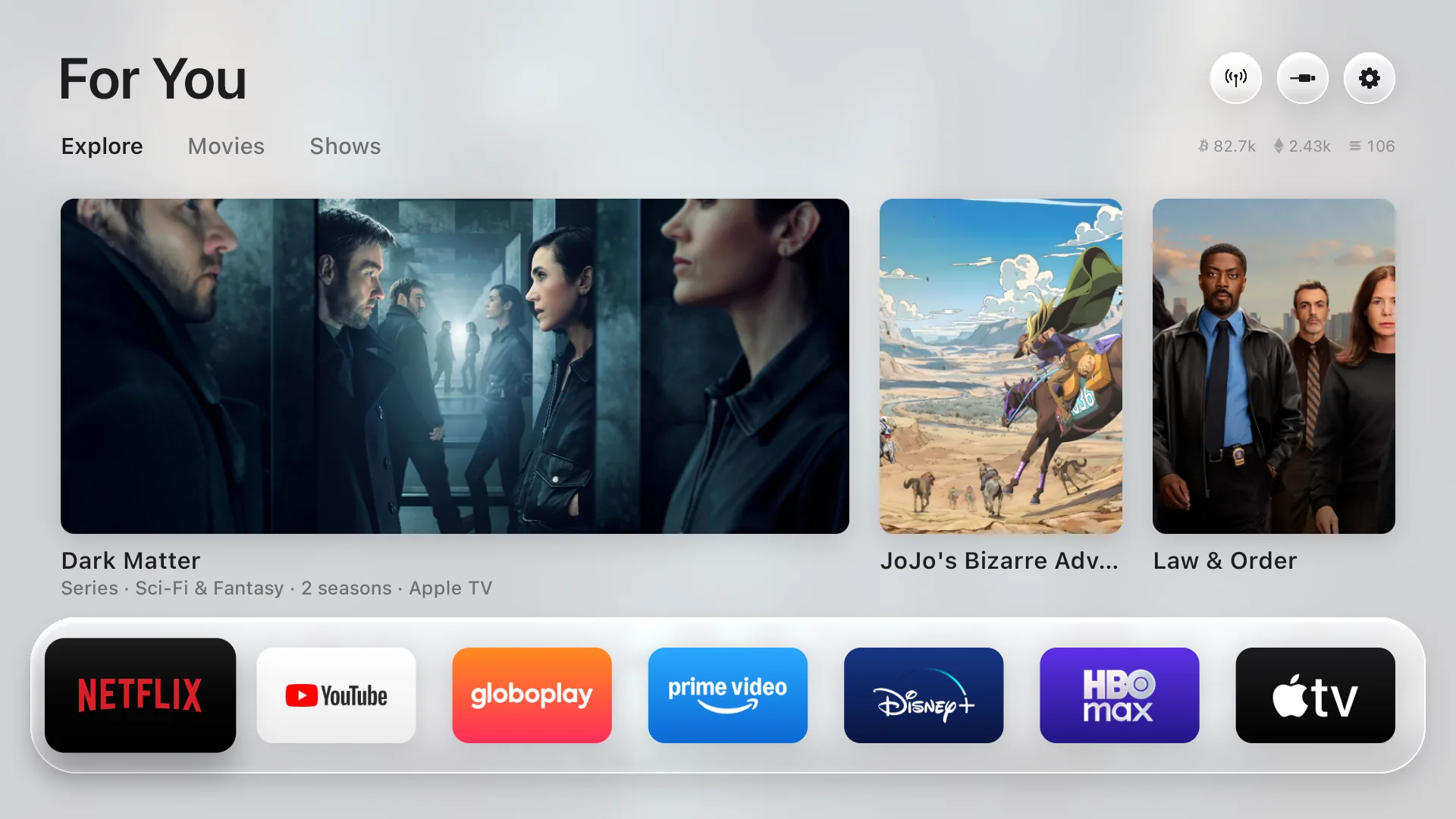
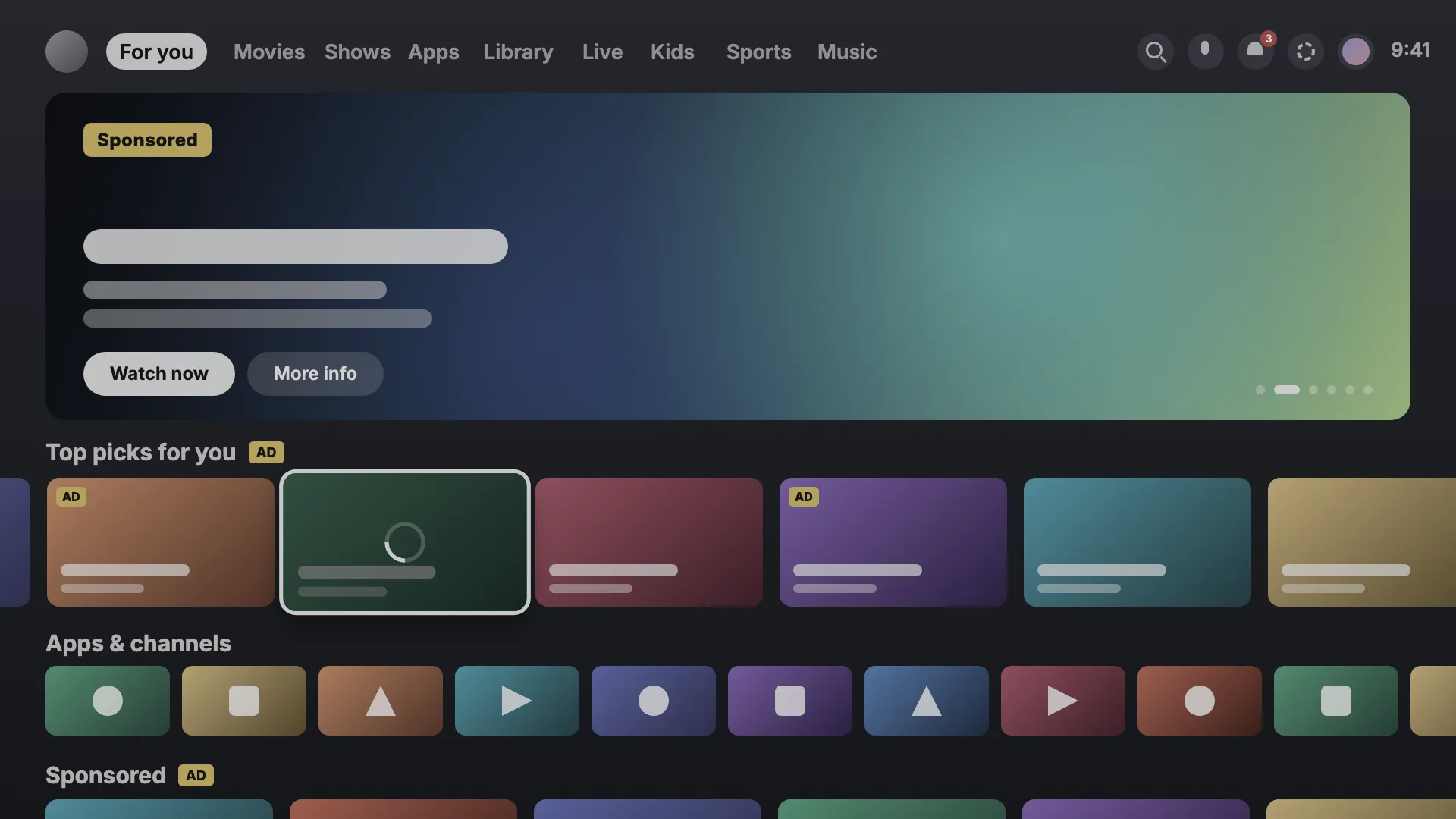
Drag the handle, or use the arrow keys
Home
The streaming apps you actually use, on a glass shelf that comes alive under the remote. No rows of promos, no autoplaying ads, nothing you didn't ask for.
Picks
Fresh picks from what's trending this week and the latest releases — only from the apps you already have. Movies and shows get their own tabs.
Speed
Press down for the hour-by-hour forecast, sunrise and sunset, and live crypto prices. The drawer slides in at 60 frames per second, on the TV's own modest chip.
Sunset mode
It follows the real sunset where you live and eases into a darker look, the way your phone does. Scroll and watch it go.
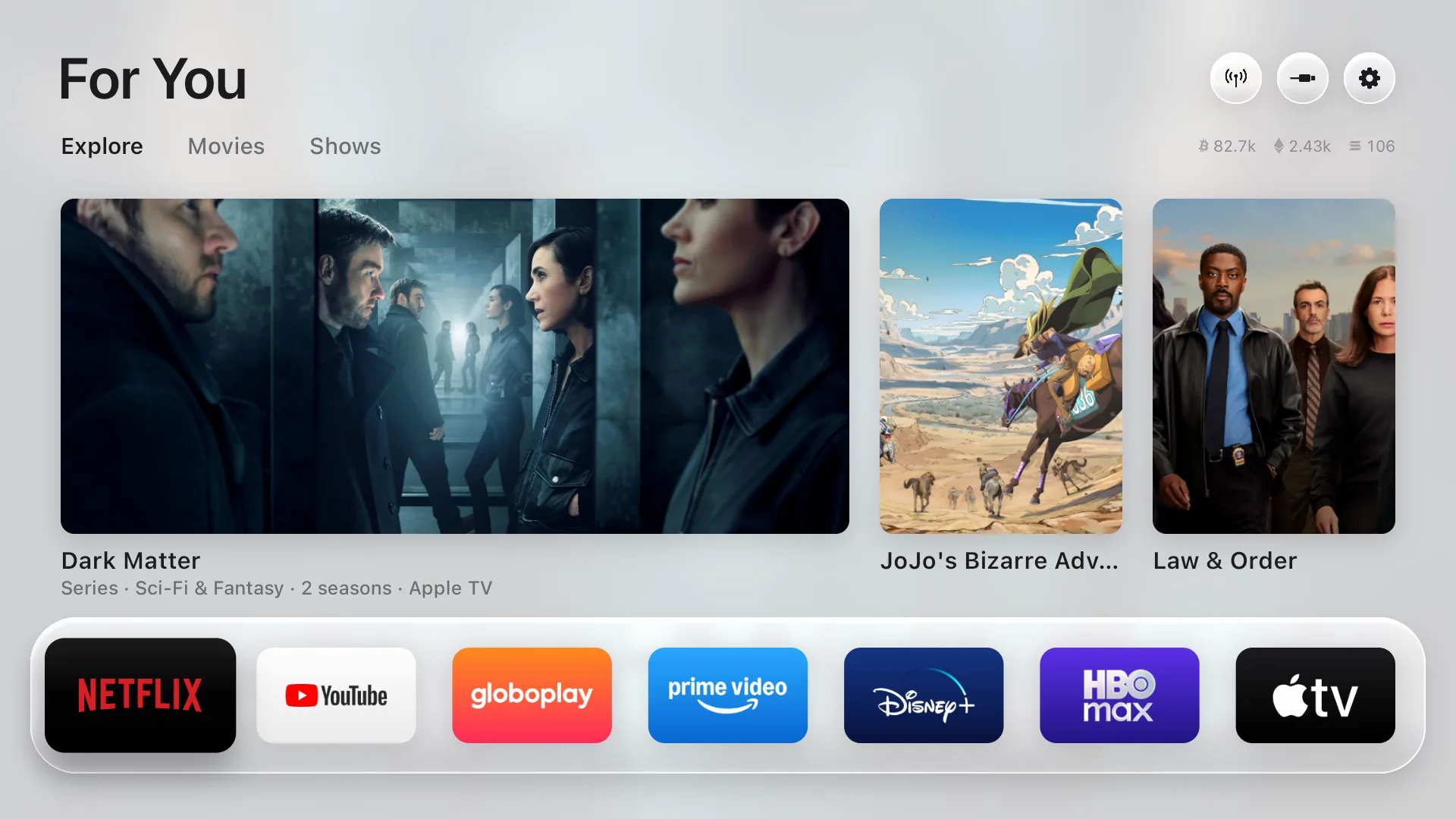
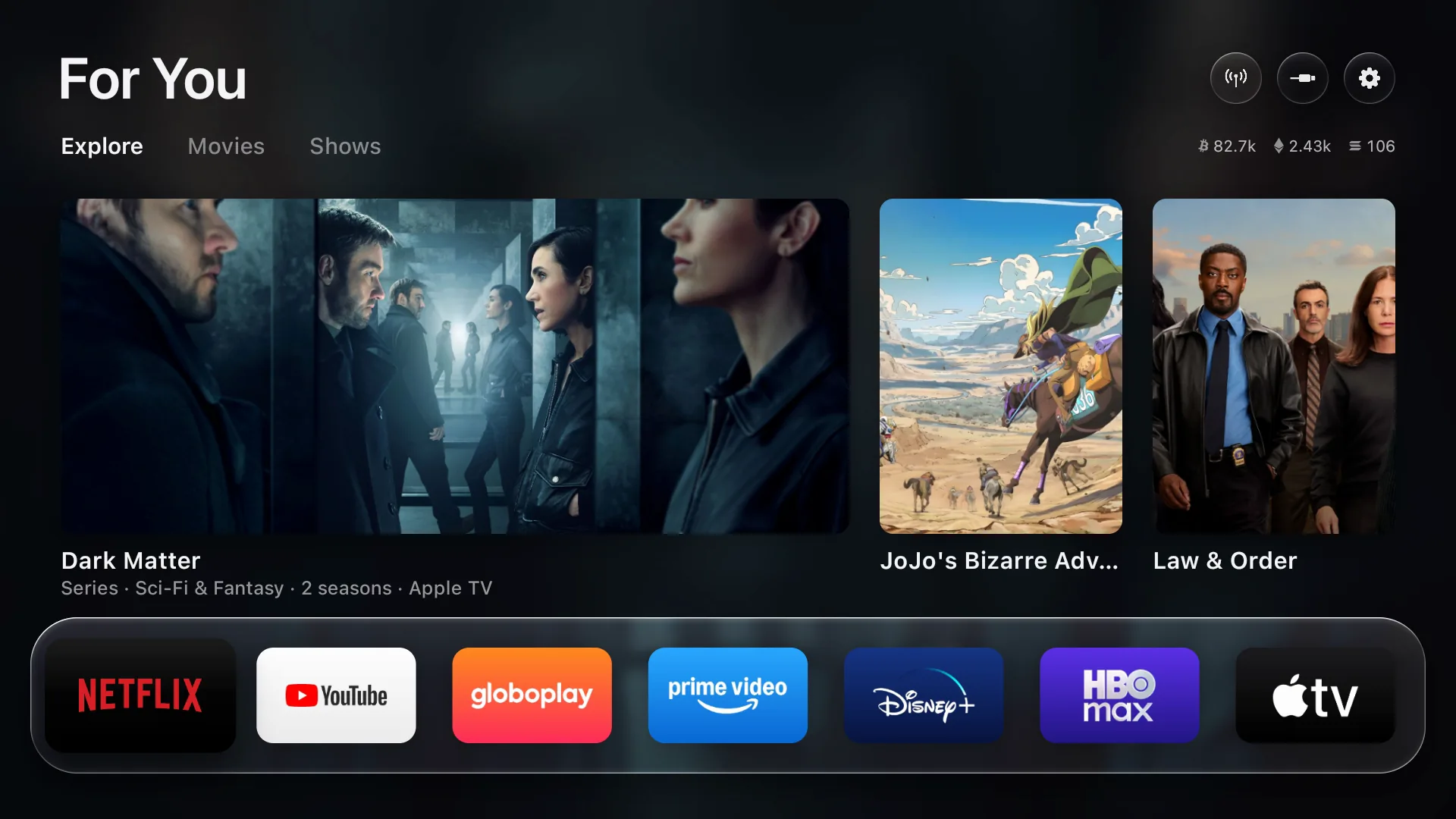
Measured on a real TV
A 98″ TCL Google TV running Android 14 — the stock home screen versus the same set after a Free Yuh TV setup.
How it works
No tech knowledge, no cables, no code. About 20–30 minutes and you're back to watching.
Send your TV brand, model (a photo of the back works) and your district. We confirm it's compatible and book a time — usually the same week.
In person from Port of Spain to Scarborough, or guided on a WhatsApp video call. Everything happens on the TV itself — nothing leaves your house.
We show you the one button that brings the factory home screen back — any time, no call needed. We'll also restore it for free if you change your mind.
One-time price
That's the whole thing — the setup, the configuration and the walkthrough. Two TVs in the house? Ask us for a bundle price.
Pay on the day — cash, bank transfer or Linx. Serving all of Trinidad & Tobago.
Compatibility
Google TV and Android TV sets natively, plus LG and Samsung. Any other TV gets it through a Google TV streamer on HDMI — we can supply and set that up too.
FAQ
Yes. It uses the same commands Android's own developer tools use, run from inside the TV itself. Nothing is rooted, nothing is unlocked and nothing is uninstalled — apps are only switched off, and they come back with one button. Picture, sound, inputs, the remote, Google services and the Play Store are on a never-touch list.
One press: Home Screen → Original. The factory home screen, screensaver and every app come back exactly as they were. If the new screen ever crashes three times inside five minutes, it switches back by itself. We'll also restore it for you, free.
No. Picture settings aren't touched and video plays through the same hardware path as before. We measured the same resolution and the same source in both modes.
The stock home screen and screensaver (both replaced), Google TV's recovery home, Play Games and YouTube Music — and on TCL sets, the TCL Channel, messages, store demo, hotel menu, manuals, mirroring and logging apps. Google Assistant only if you ask.
Yes. On LG it installs through LG's own Developer Mode and opens with one press of a number key; that app needs a one-tap EXTEND about once a month, and we'll remind you. On Samsung it works on 2017 and newer sets through Samsung's own Developer Mode. Nothing is rooted either way.
Wi-Fi connected, the TV's remote, and about half an hour. If we're doing it remotely, we'll need you to point the camera at the screen for a few minutes. That's it.
No accounts, no analytics, no tracking. The home screen only talks to the weather and trending-picks services it needs to work. Your viewing stays yours.
No. TT$149 once, per TV. Support for the first 30 days is included, and restoring it is always free.
One visit. TT$149, one time. And one press if you ever want it back the old way.
Port of Spain · San Fernando · Chaguanas · Arima · Tobago